User Manual
Purchasing (Compras)
Suppliers, brands, categories, purchase orders and receiving goods.
Compras (Purchasing) manages suppliers, brands and categories, issues purchase orders and receives the goods.
D.1 Suppliers, brands and categories
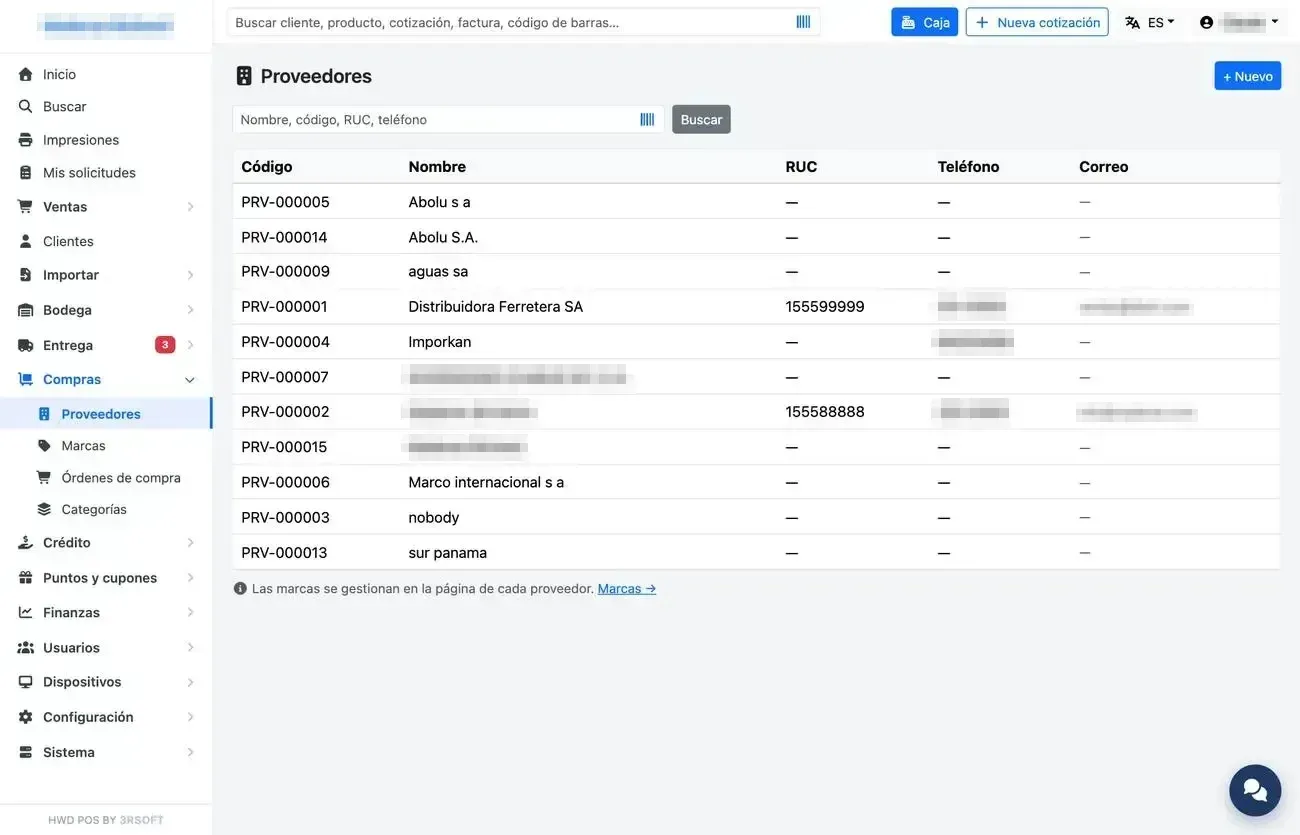
Suppliers.
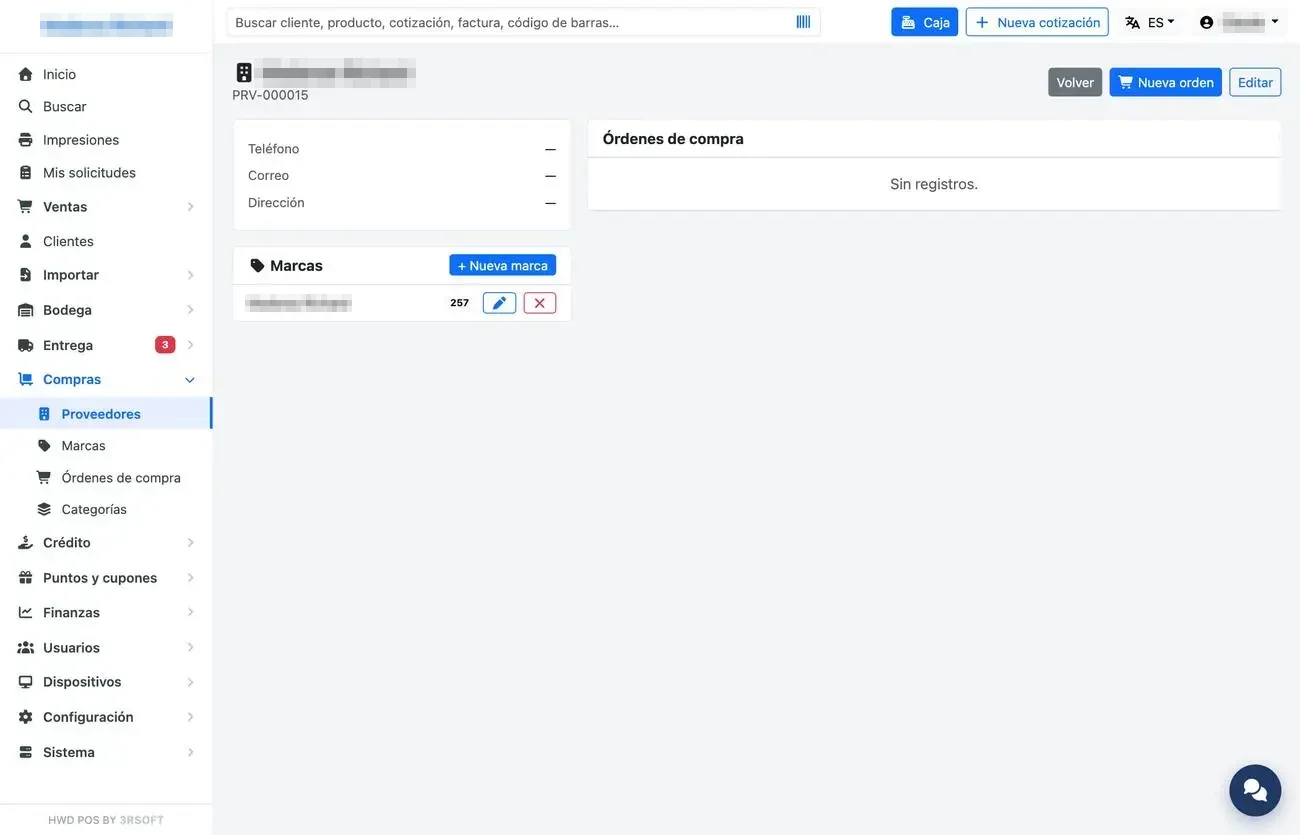
Supplier record with its brands and orders.
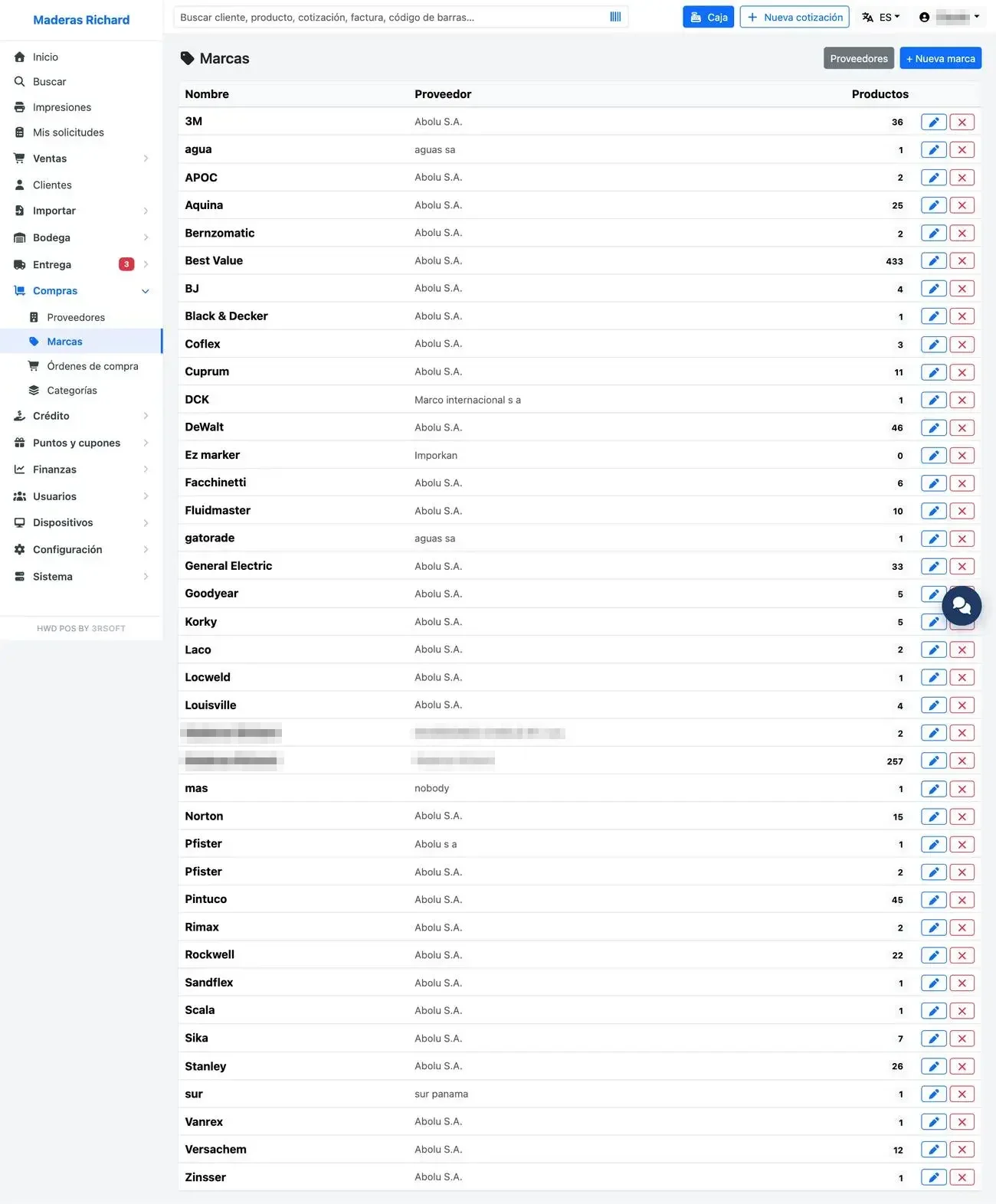
Brands by supplier.
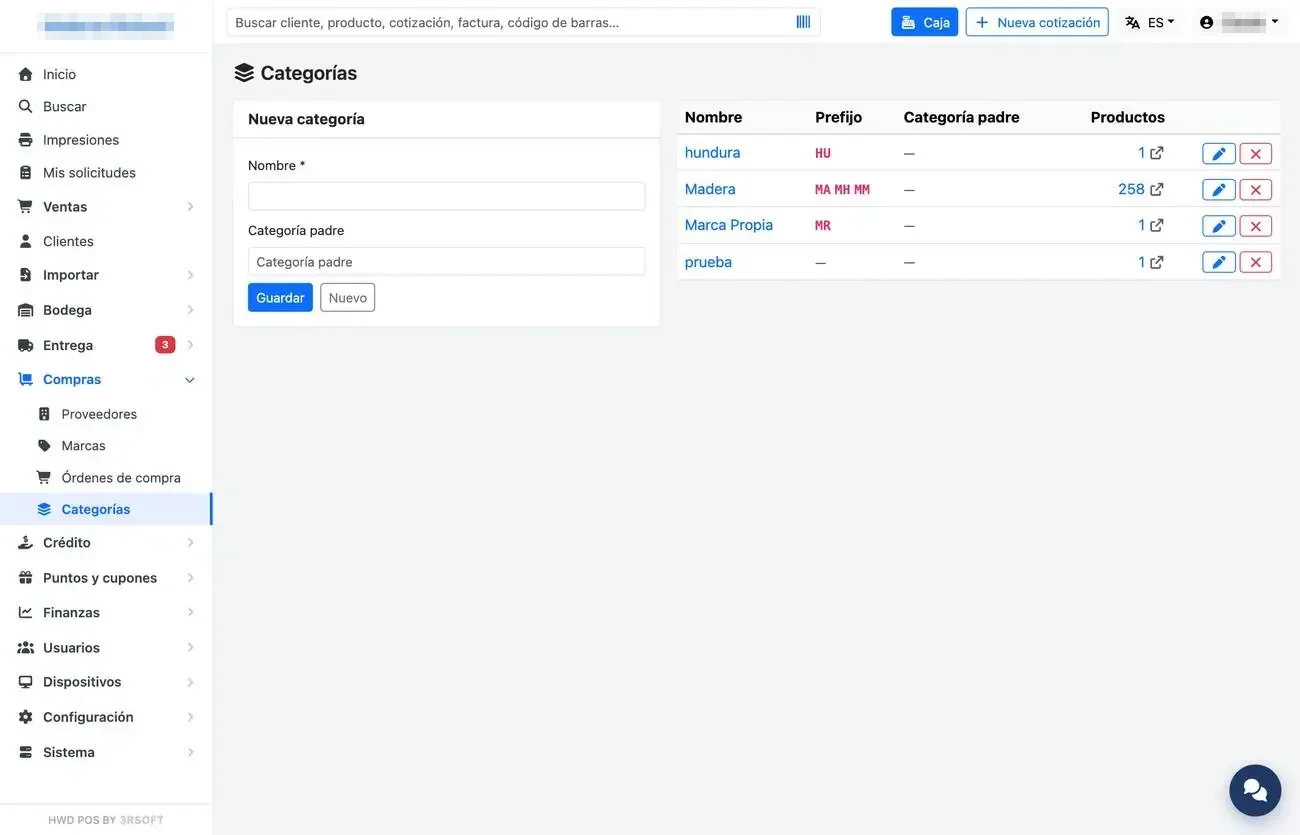
Categories with their code prefixes.
D.2 Purchase order and receiving
- Compras → «Órdenes de compra» (Purchase orders) → «Nueva» (New).
- Choose the supplier: the price of each product is filled in with that supplier's last price.
- Add products with quantity and cost. If the cost departs from the usual one, a warning is shown.
- Save. When the goods arrive, open the order and press receive: in full or in parts.
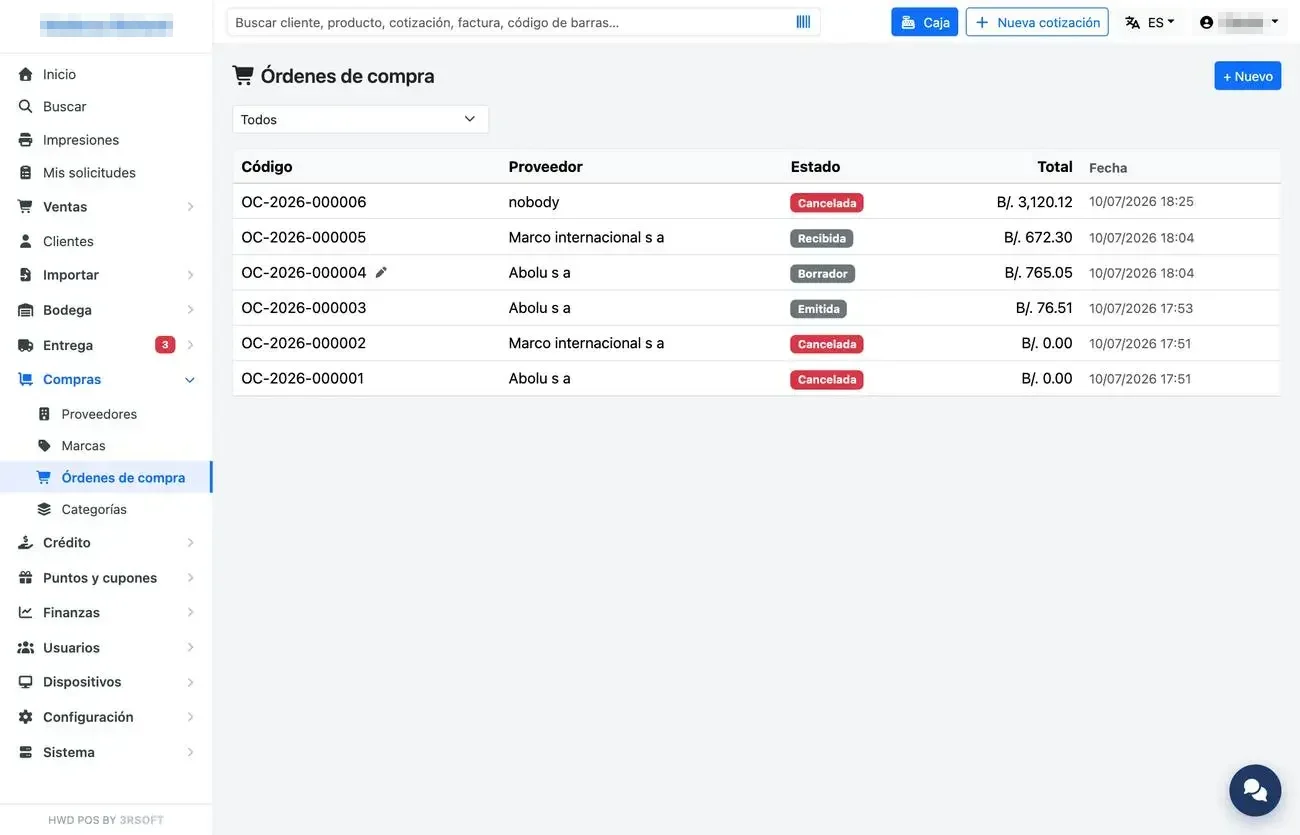
Purchase order list.
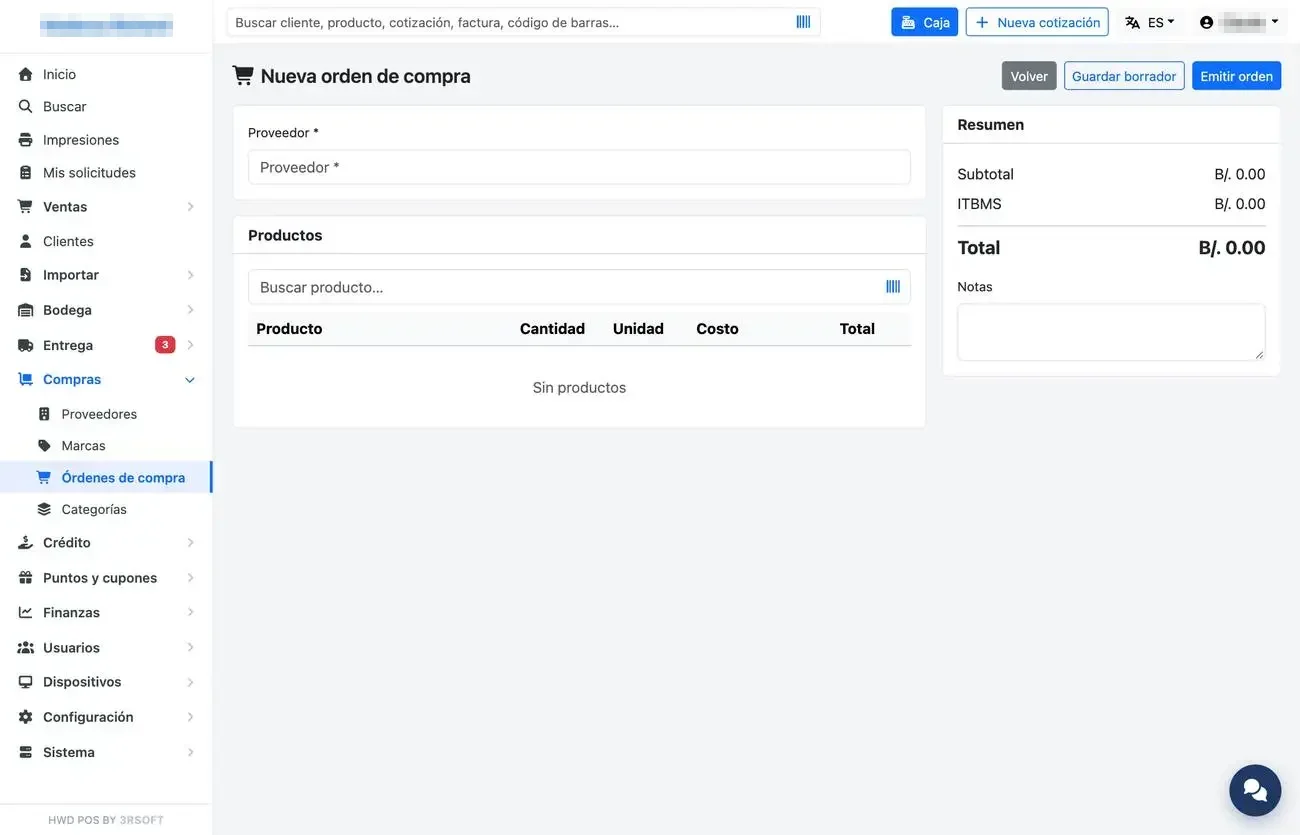
New purchase order.
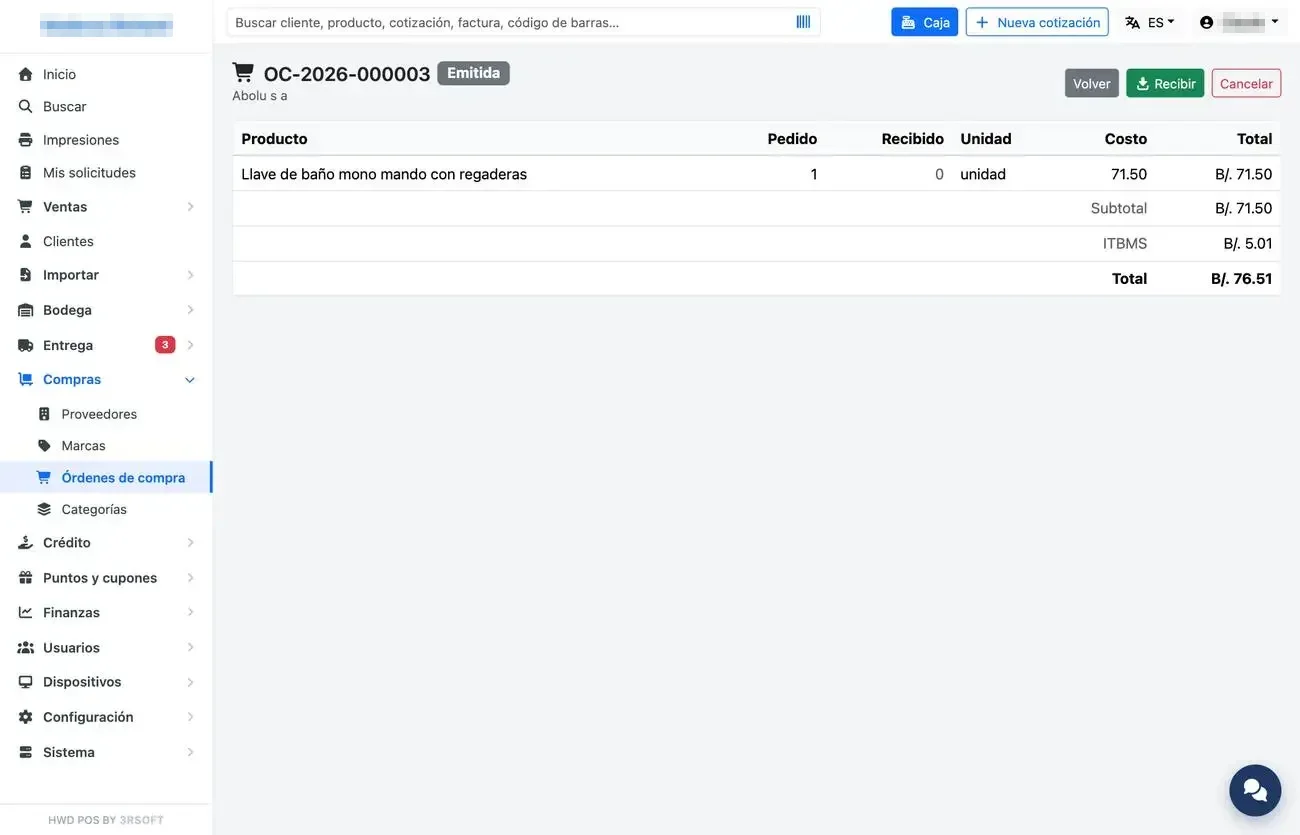
Purchase order.
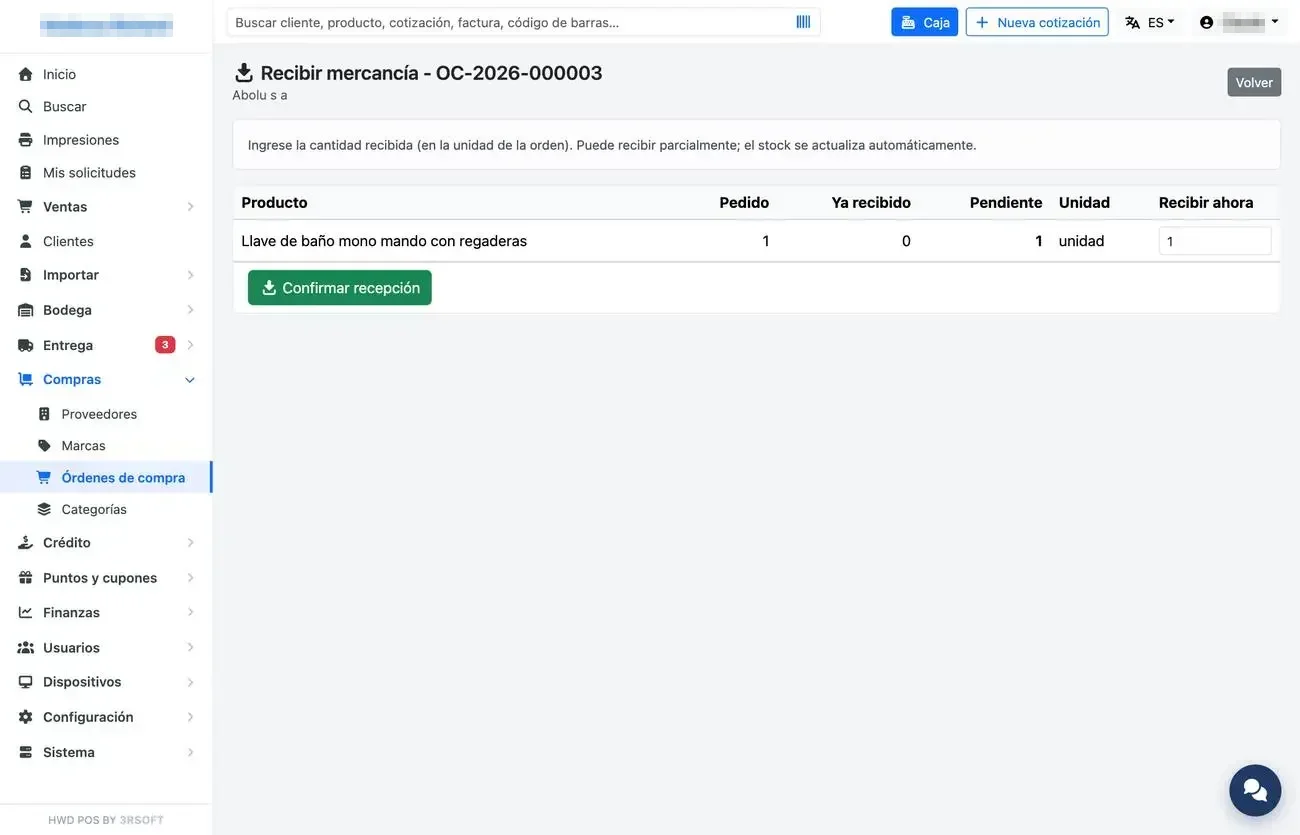
Receiving goods.