Finance and reports
Sales, performance, profit, reconciliation and receivables reports, and fiscal documents.
Each report has its own Imprimir (Print) button, which produces its own A4 document.
I.1 Reports
The reports distinguish what was INVOICED from what was COLLECTED (money received) and from what was SOLD ON CREDIT. Next to the ITBMS of all sales appears the ITBMS declared to the DGI, which is only that of the authorized fiscal invoices.
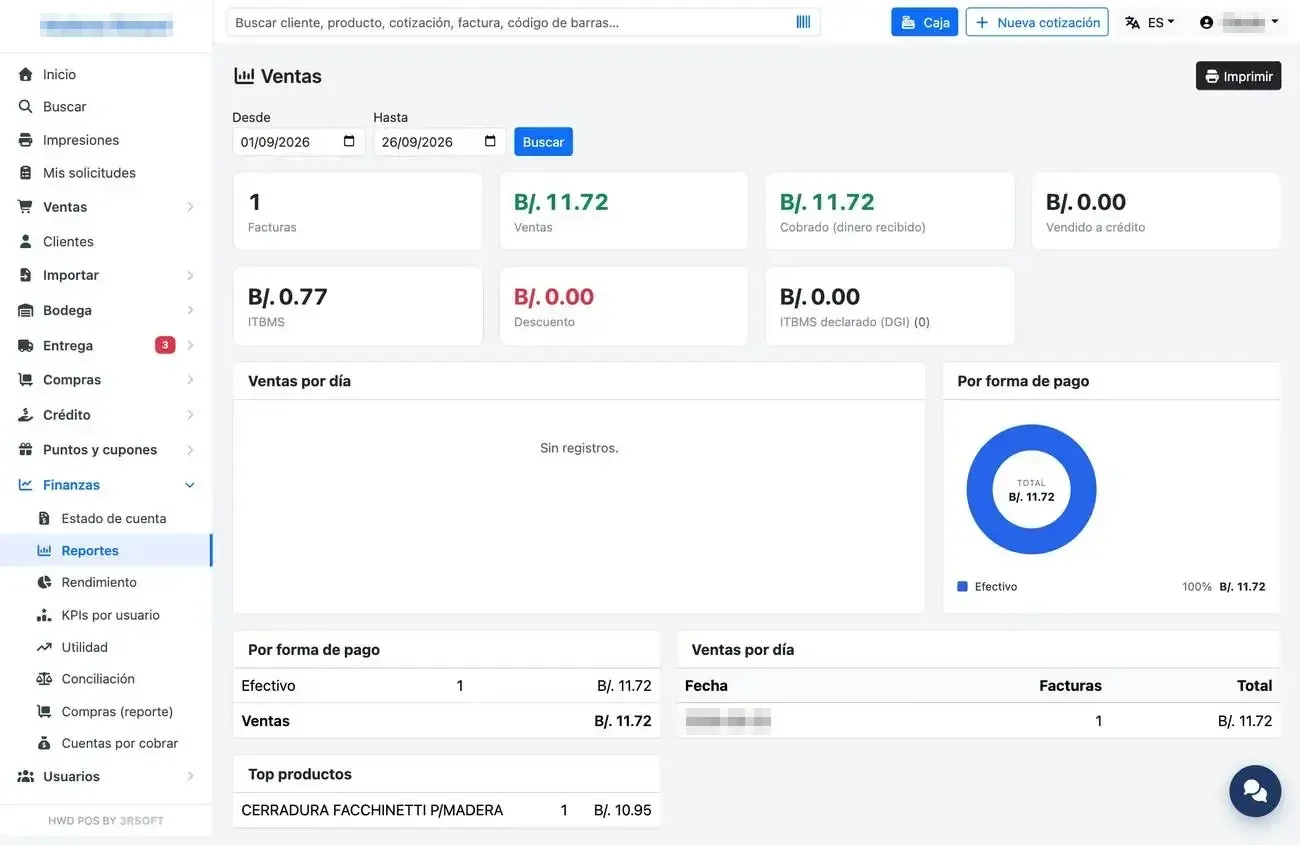
Sales report.
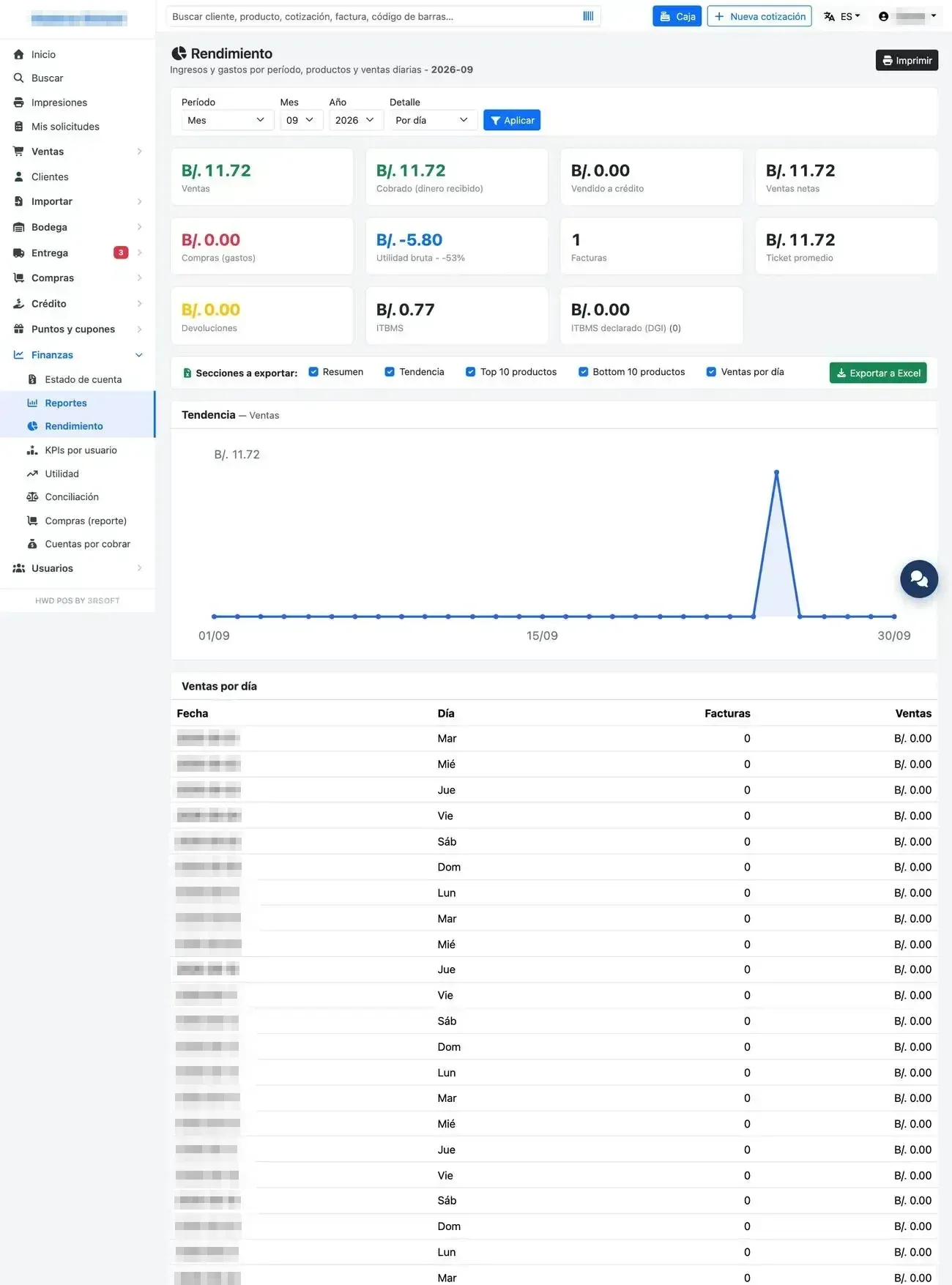
Performance by period.
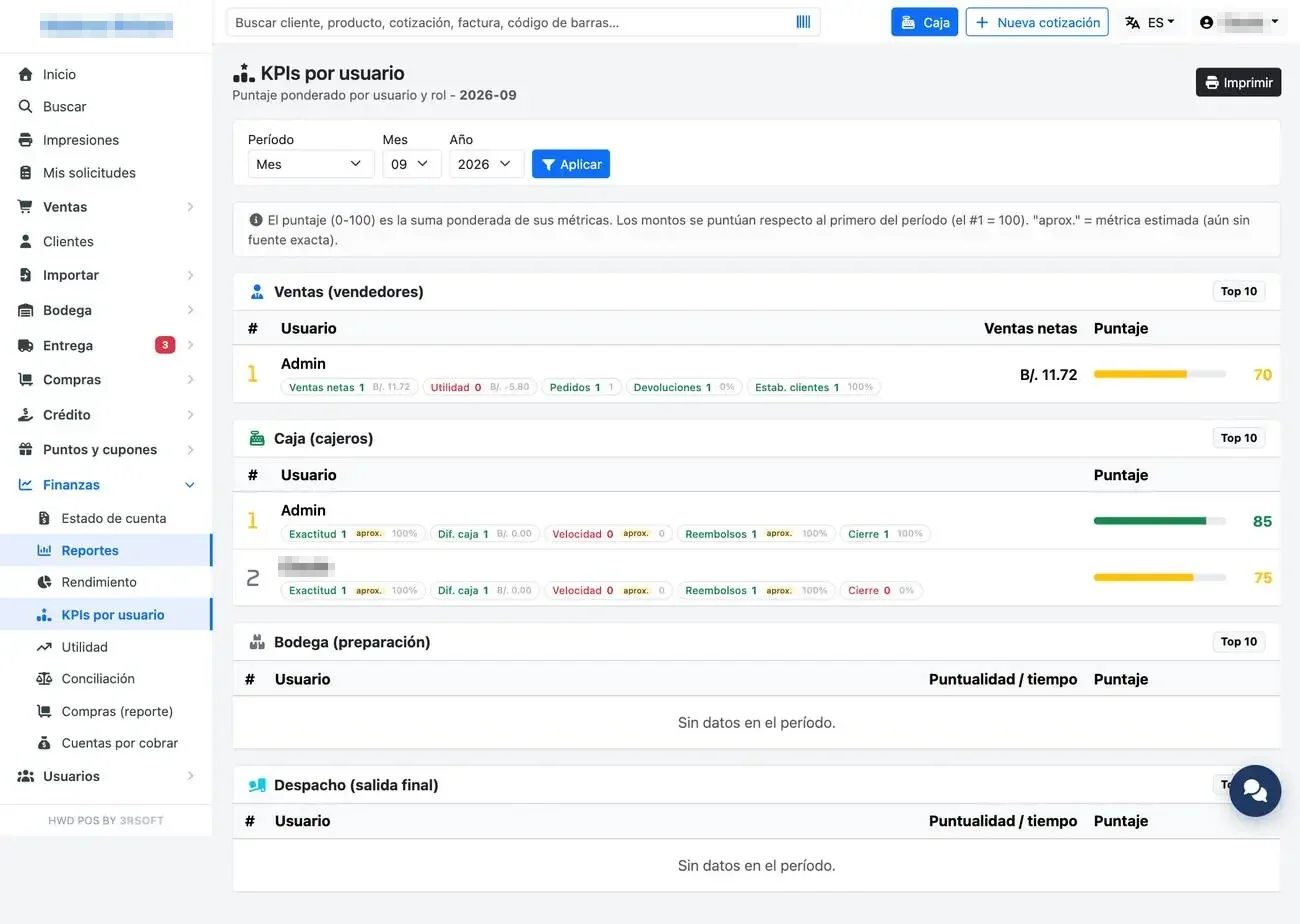
KPIs by user.
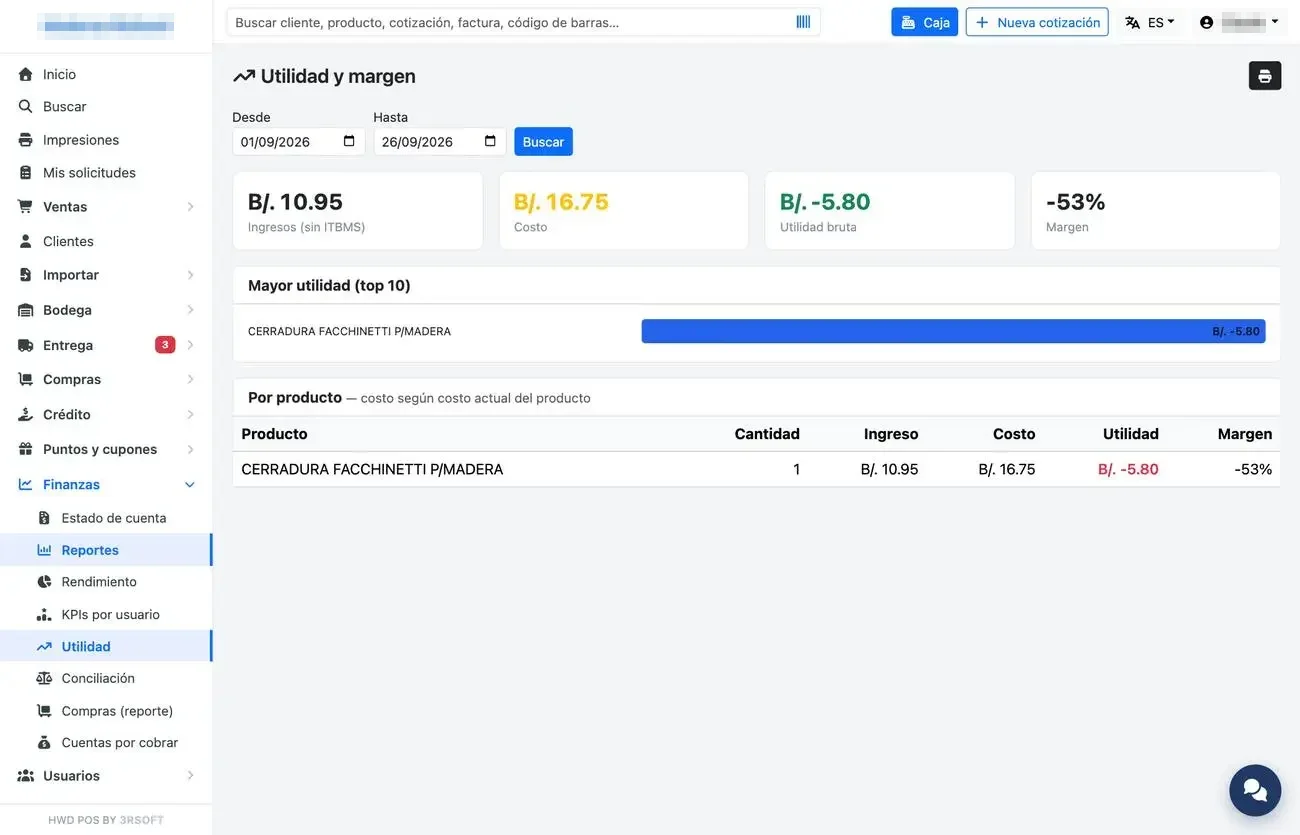
Profit and margin.
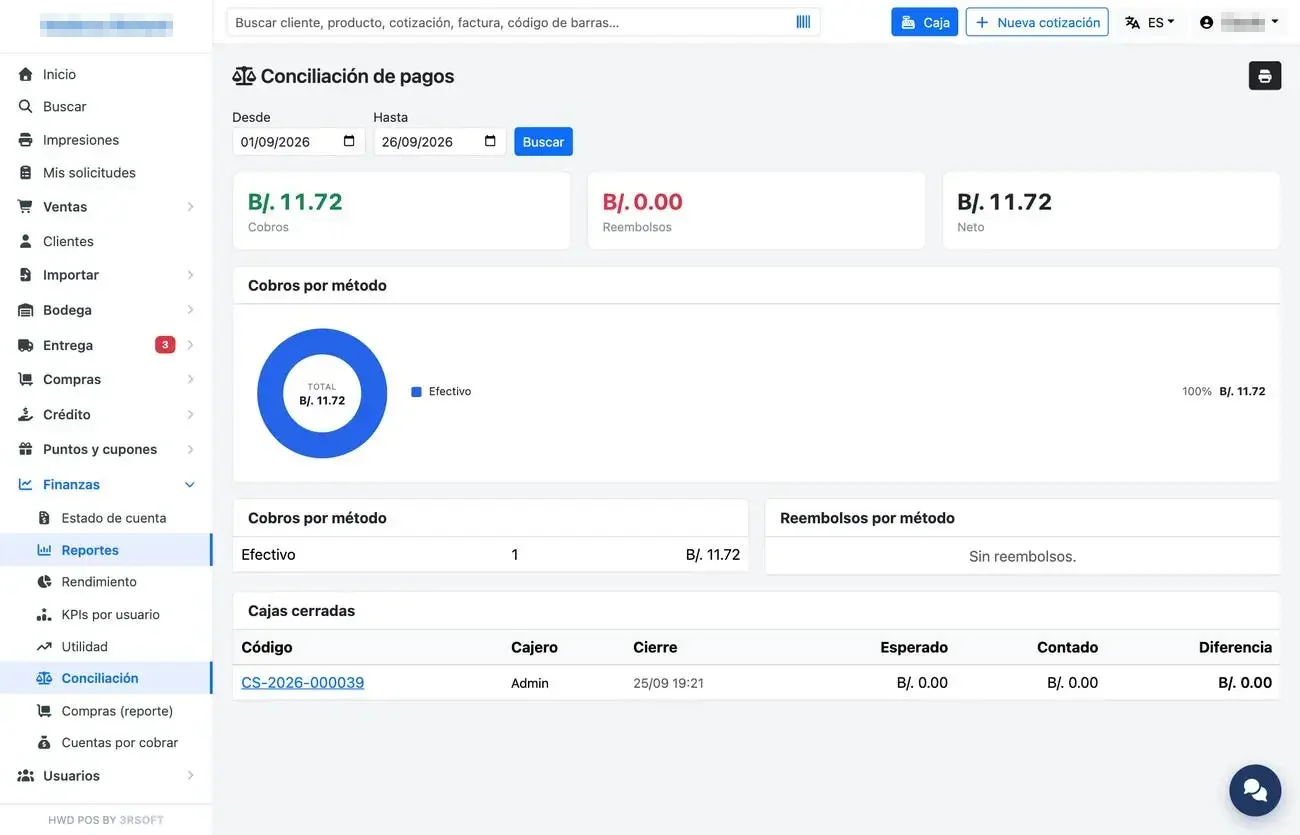
Payment reconciliation.
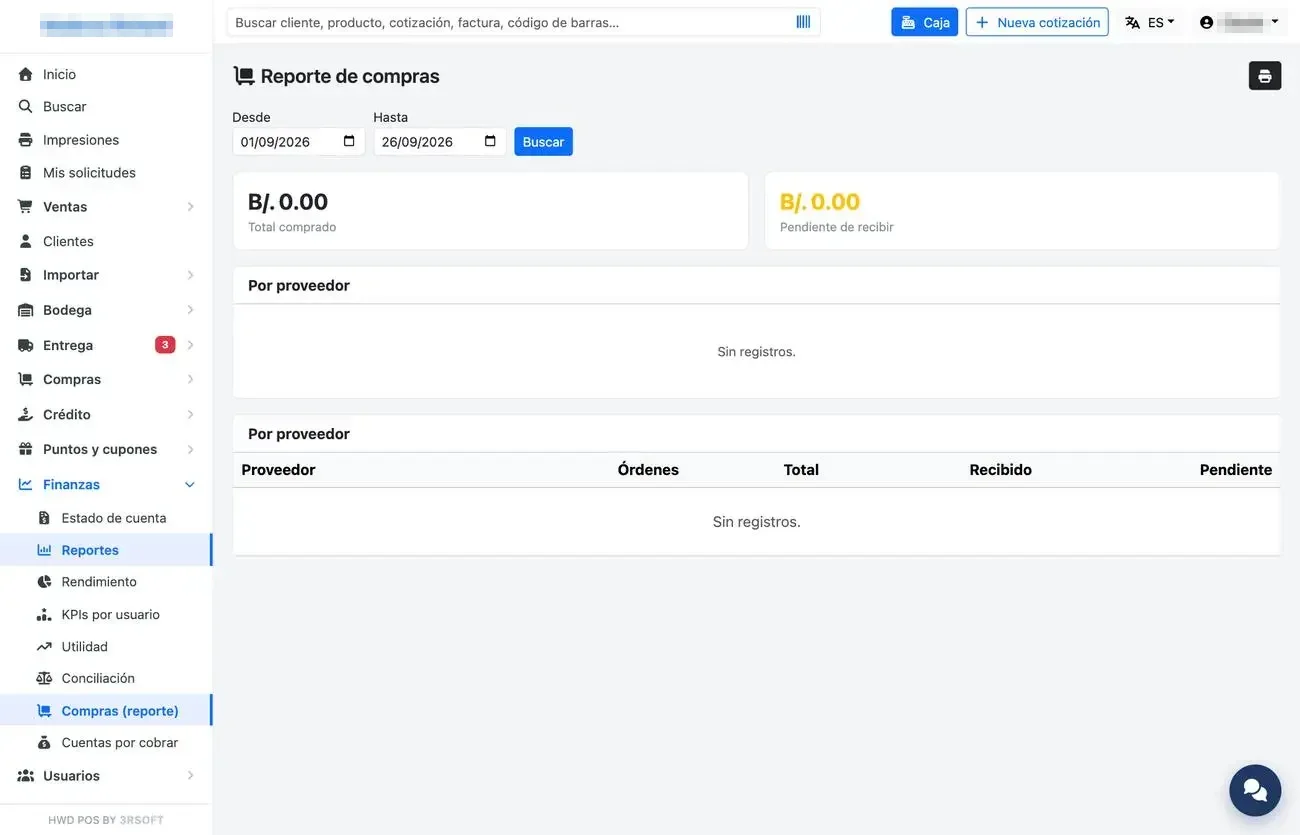
Purchases by supplier.
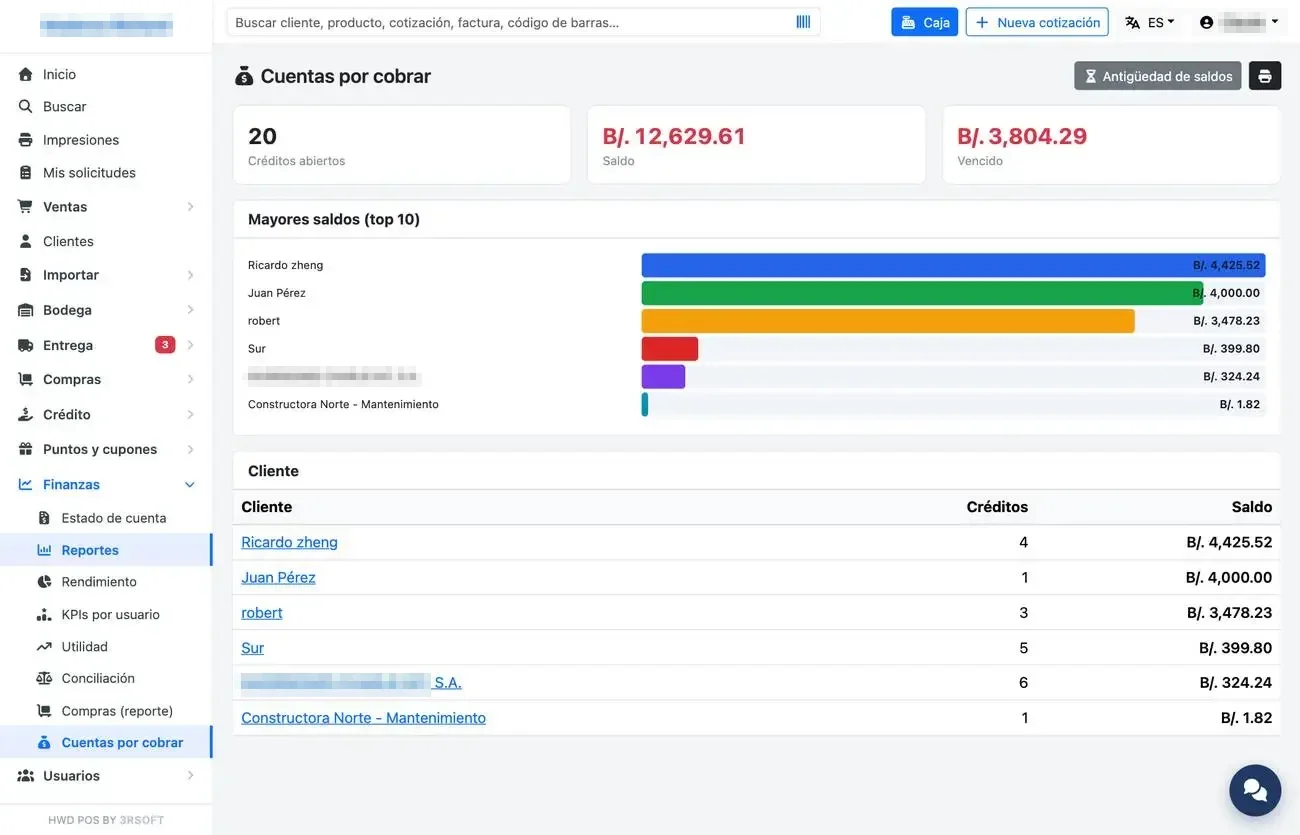
Accounts receivable.
I.2 Fiscal documents
Sistema (System) → «Documentos fiscales» (Fiscal documents) says whether each invoice was authorized or rejected. A manager can look it up; resending or voiding belongs to administration.
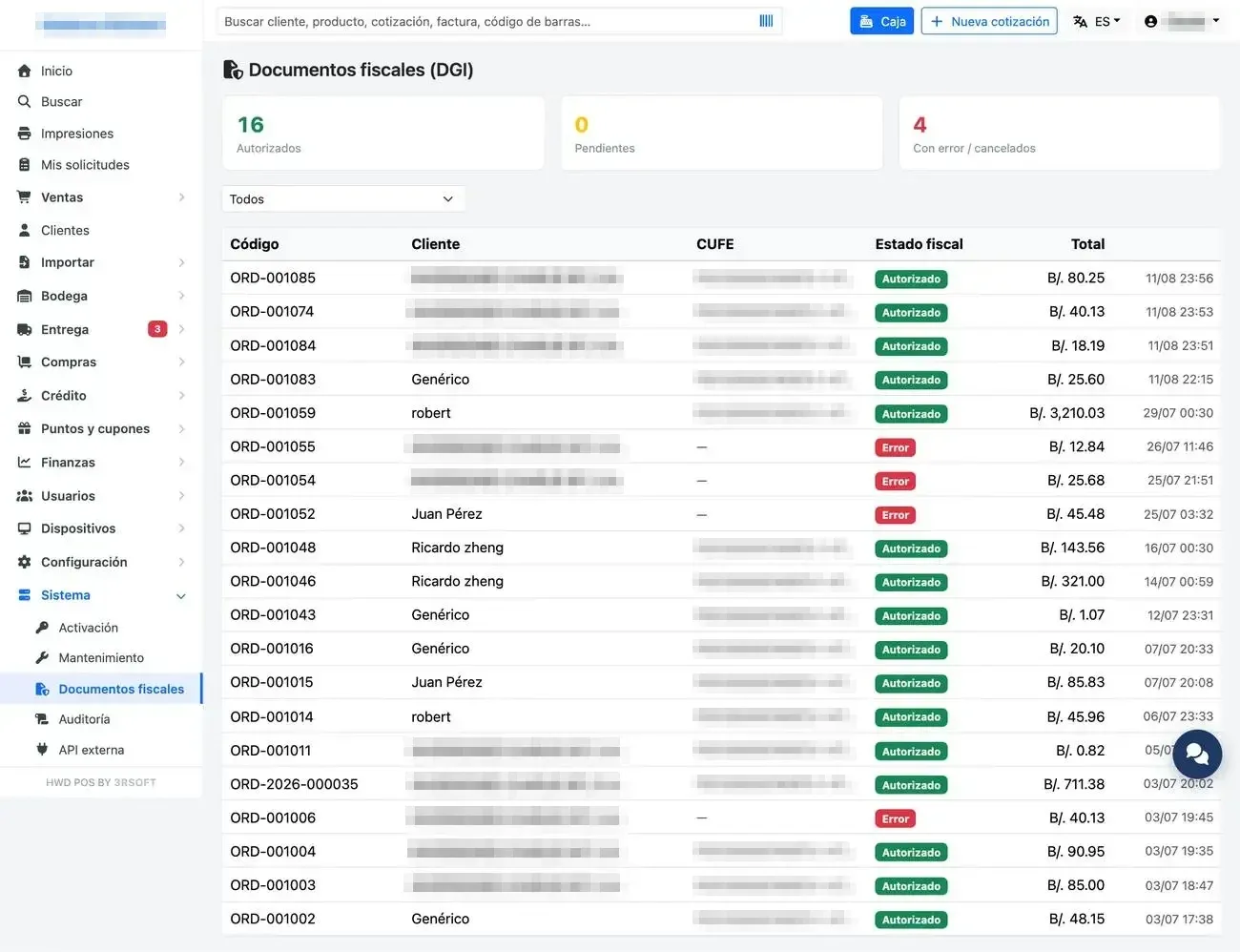
Fiscal documents.
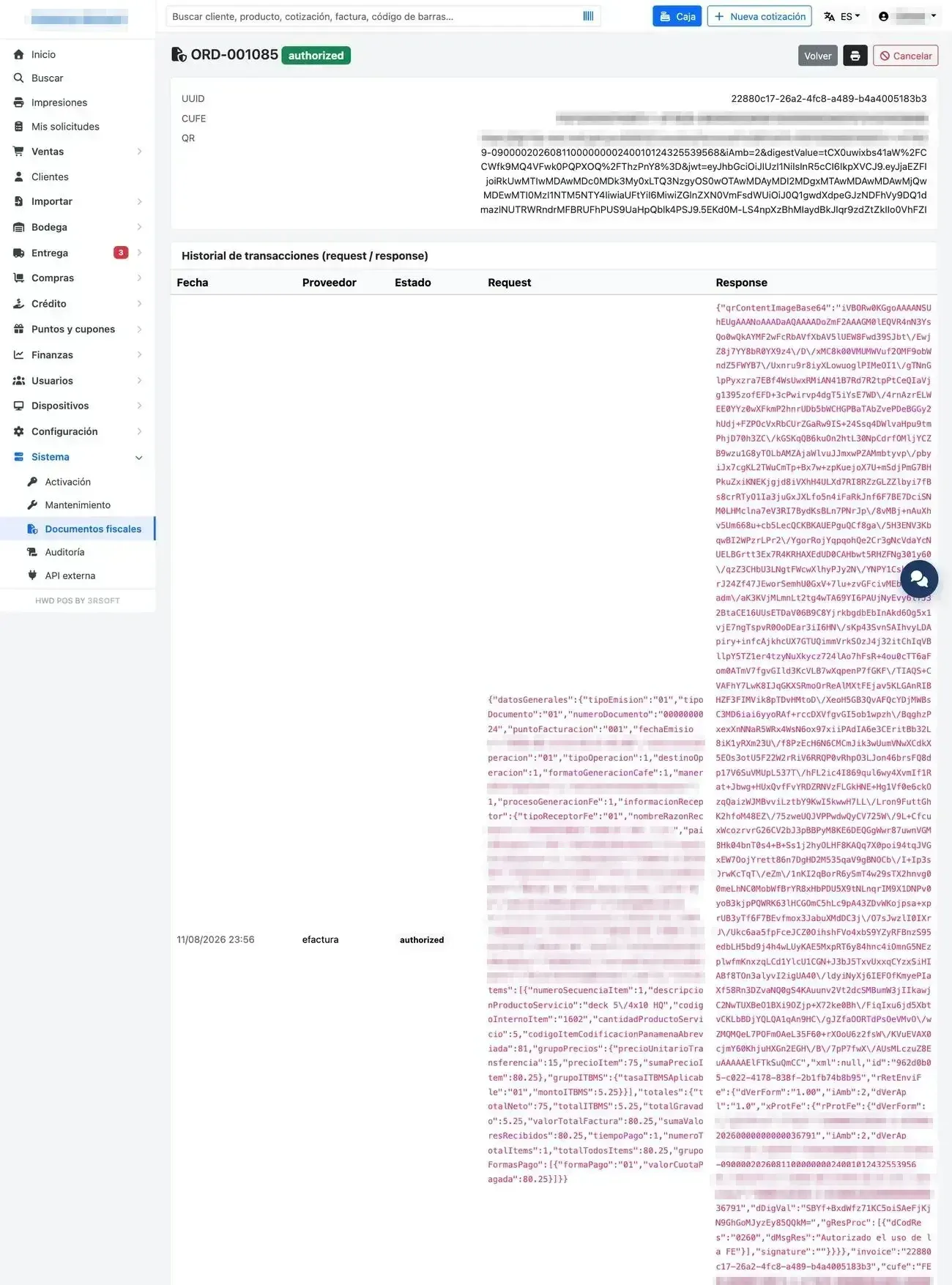
Detail of a fiscal document.